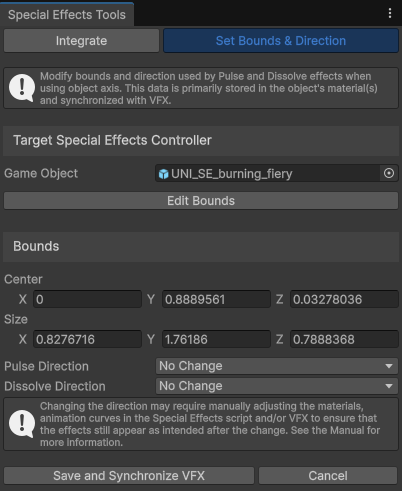
The tool can be found in the Editor’s top menu: ‘Tools → UNI VFX → Special Effects Tools’.
Set Bounds & Direction tab
Modifies bounds and direction used by Pulse and Dissolve effects when using Object Axis – for example Pulse in object’s Y axis. This has no effect on the Omnidirectional setting.
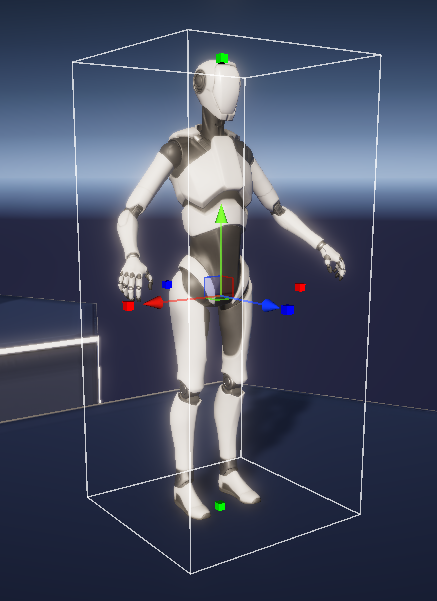
For your convenience, you can use the Scene view to modify the bounds. The goal is to set the bounds so that it is large enough to encompass the character even during animation, but not so large that parts of Pulse and Dissolve get lost in empty space.
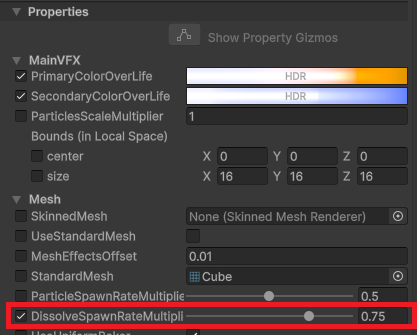
Change of direction may require tweaking of material properties, animation curves in the Special Effects and/or VFX. Save the Bounds and check the result (more on that in the next chapter). The main areas that typically require adjustment include the following.
Change of Pulse direction to Omnidirectional:
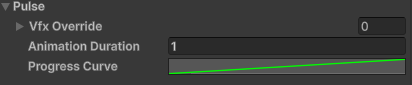
- Some templates use Progress Curve, that is not starting at 0. When changing to Omnidirectional option, the safe Progress Curve is simply from 0 to 1:
You can find the Progress Curves in the Animation Settings in the Prefab that was inserted as a child of your character/object.