Make sure you have Visual Effect Graph and Shader Graph packages installed. Go to Window → Package Manager. Find Visual Effect Graph and Shader Graph in Unity Registry Packages and install/update them if needed.
Restart the editor before installing the VFX pack.
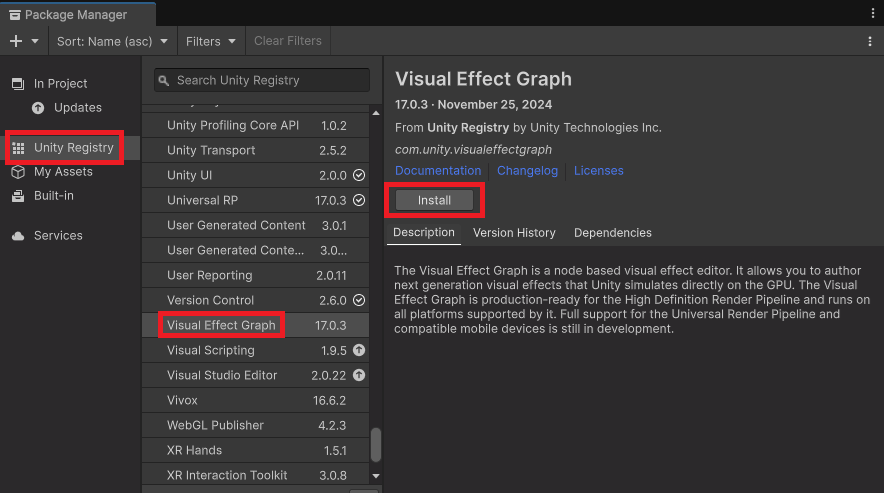
If you install Visual Effect Graph and Shader Graph packages after this Pack, you can run into issues.
The easiest fix is to delete UNI VFX 6D folder, restart Unity Editor and install this Pack again.
For the VFX pack to work correctly in HDRP, import the HDRP package in the UNI VFX 6D folder.
If the VFX doesn't show up, it needs to be recompiled. This can be easily fixed by using 'Edit → VFX → Rebuild And Save All VFX Graphs' in the Editor’s top menu.


